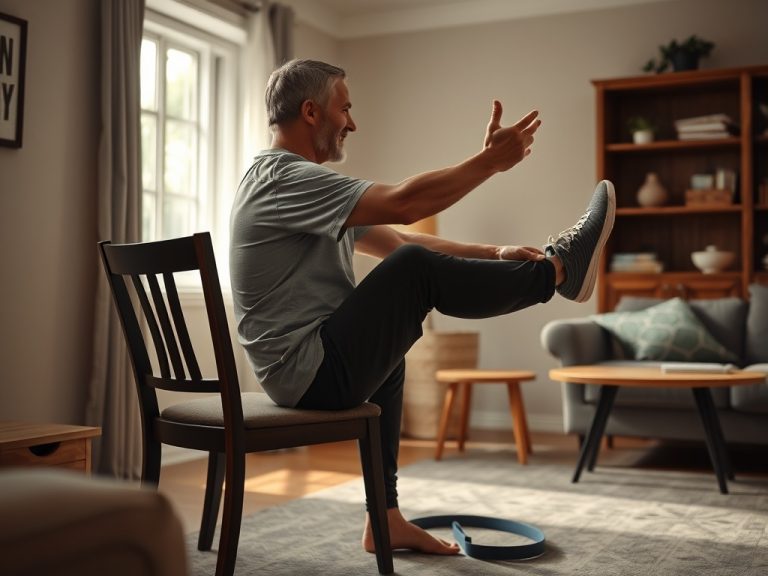
Camera-based form tools can help you see movement from another angle, count repetitions, or flag obvious deviations. They cannot reliably diagnose pain, understand every body proportion, or replace a qualified coach or clinician, so treat their feedback as a prompt to investigate rather than a final verdict.
TL;DR: Check privacy settings before recording, use a clear camera angle, test the tool on simple movements, compare feedback across repeated sets, and change technique only when the suggestion is understandable and safe. Stop using the score when pain, uncertainty, or inconsistent results require human judgment.
What these tools are actually doing
Many systems use computer vision to estimate body landmarks from video, create a simplified pose, and compare joint positions or movement sequences with programmed criteria. Some processing happens on the device; other tools upload video or derived data to a server.
The technology can be useful, but a two-dimensional image loses information. Clothing can hide joints, the camera can distort angles, and depth is difficult to judge from one view. Lighting, body proportions, mobility aids, limb differences, and movements outside the training data can affect results.
A systematic review of camera-based pose estimation in sport and exercise found broad potential applications while also identifying technical and validation challenges. That combination is the right expectation: promising assistance with important limitations.
Decide what problem you want the tool to solve
Use a narrow question. "Is my squat perfect?" is too broad. Better questions include:
- Am I reaching a similar depth across repetitions?
- Does my tempo change near the end of the set?
- Is the bar or body path visibly different from the previous week?
- Am I completing the programmed number of repetitions?
The tool is most useful when the output relates to an observable task. Generic scores such as 82% form quality may look precise without explaining which movement, threshold, or evidence produced the number.
For beginners, simple repetition counting or side-by-side playback may be more valuable than automated correction. Experienced users can compare consistent recordings over time, but should still avoid diagnosing injury from video.
Review privacy before the first recording
A workout video can reveal a face, body, home interior, family members, location clues, health information, and daily routine. Before granting camera access, check:
- Whether video is processed locally or uploaded.
- What raw video, body landmarks, or account data are stored.
- How long data is retained and how deletion works.
- Whether data is shared with service providers, advertisers, employers, or researchers.
- Whether the tool can function without an account or cloud backup.
The Federal Trade Commission's mobile health app tool explains that health apps may fall under several privacy and security obligations. A consumer should not assume that every fitness recording receives the same protection as a medical record.
Record against a plain background, remove identifying papers and screens, keep other people out of frame, and avoid showing windows or distinctive objects. Delete test videos you do not need and use strong account security.
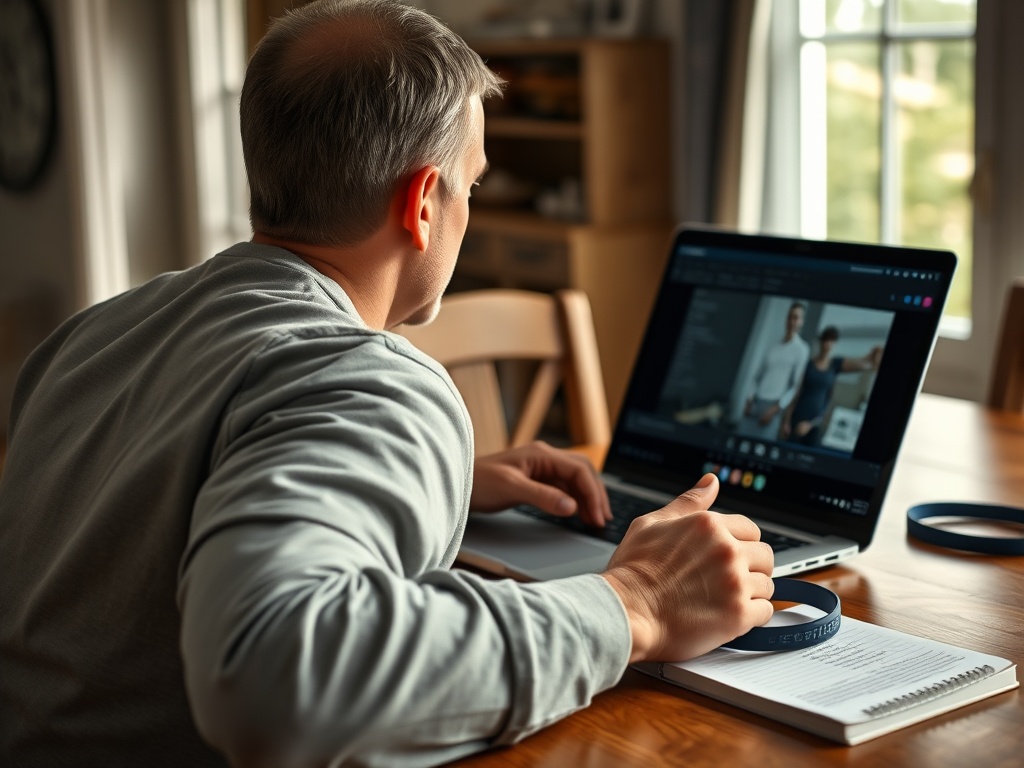
Create a repeatable recording setup
Place the camera on a stable surface instead of holding it. Use enough distance to show the whole movement without a wide-angle distortion. Keep lighting even and avoid strong backlight.
Record the same exercise from the same angle when comparing sessions. A side view may show depth and trunk position, while a front view may show side-to-side differences. One angle cannot answer every question.
Wear clothing that allows major joints to be located without being restrictive. Keep equipment and floor markings consistent. Perform a few practice repetitions and confirm the tool detects the full body before beginning a working set.
Do not place the phone where you could fall onto it, trip over it, or turn the head repeatedly during a lift. Review the recording after the set.
Test the feedback instead of obeying it
Use a three-step validation process:
- Understand the cue. Can you explain what the tool wants changed and why it might matter?
- Repeat the observation. Does the same flag appear across several similar repetitions and recordings?
- Check the effect. Does the suggested change improve control or comfort without creating a new problem?
If a cue changes from set to set despite similar movement, the model or camera setup may be unstable. If the tool asks for a textbook angle that conflicts with your proportions or safe range, do not force it.
The NIST AI Risk Management Framework emphasizes validity, reliability, transparency, privacy, and human oversight as qualities of trustworthy AI systems. Those ideas apply here: useful feedback should be understandable, tested in the context of use, and subject to human judgment.
Distinguish coaching from clinical assessment
A tool may identify that one knee appears to move differently, but it cannot determine the cause from a phone video. Anatomy, old injury, pain, camera angle, fatigue, and ordinary variation can produce similar appearances.
Seek a physiotherapist or other qualified clinician for pain, swelling, numbness, weakness, repeated giving way, major side-to-side change, or return after injury or surgery. A qualified coach can help with exercise selection, loading, and technique when the movement is pain-free but confusing.
Home exercisers who value privacy can still obtain guidance through a private appointment or secure telehealth session. Stable, scalable home movements do not require camera activation.
Watch for misleading precision
Joint angles displayed to a decimal place are not automatically accurate. The number may come from estimated landmarks rather than laboratory measurement. Ask whether the tool provides validation studies, suitable populations, error ranges, and limitations.
Be cautious when an app:
- Guarantees injury prevention or diagnosis.
- Claims one ideal form for every body.
- Hides how scores are calculated.
- Uses fear-based warnings to sell an upgrade.
- Requests unrelated permissions.
- Cannot explain data deletion.
- Encourages training through pain to improve a score.
A polished interface is not evidence of clinical validity.
Use feedback without losing the training goal
Technique supports the goal; it is not a performance. A small movement difference may be acceptable if the exercise is controlled, pain-free, and appropriately loaded. Constantly changing form to satisfy an app can disrupt skill learning.
Choose one cue per set, then return attention to effort, breathing, and the programmed task. Keep loads conservative while testing a change. Compare the new version over several sessions rather than declaring success after one clip.
For walking, a camera score should not distract from building regular activity. The article on whether 10,000 steps can build fitness provides more useful progress markers than a single pose estimate. During travel, preserve simple movement anchors from the holiday and travel fat-loss guide rather than recording in an unsafe or public location.
Evaluate whether the tool earns a place in your routine
After two weeks, ask whether it improved a defined behavior: more consistent depth, clearer tempo, better repetition records, or greater confidence. Also ask what it cost in setup time, distraction, privacy, and anxiety.
If the tool makes you move less because every session requires perfect filming, simplify. A low-tech notebook, mirror used briefly, or occasional human review may work better. Use non-food rewards for completing the training behavior, not for achieving a perfect automated score.
Keep the human decision in charge
Choose one simple movement, record it under consistent conditions, and compare the tool's feedback with what you can visibly verify. Keep only cues that are clear, repeatable, and comfortable. Technology can support observation, but your health decisions still require context the camera does not possess.